01
 Menu
Menu
Keep today’s menu current.
Update items and prices anytime.
 ▾
▾




 ▾
▾

Give customers one link to see your menu, pickup availability, and order options wherever you promote your truck.
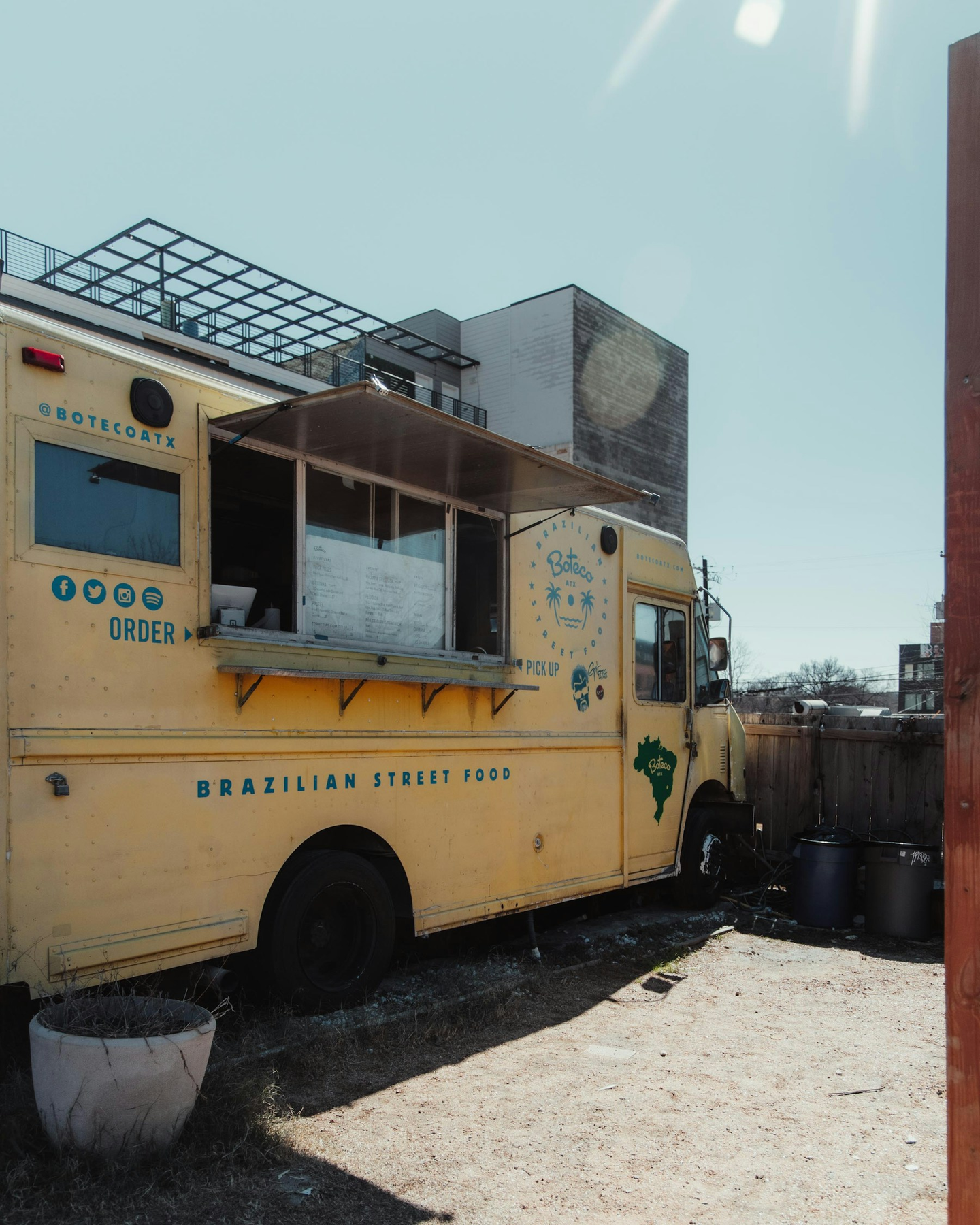
Let customers see what’s available and choose a pickup time before they reach the window.
Before Hungry Hop
Auto Preview · 7s
CUSTOMER
What are you cooking Saturday?
CUSTOMER
Can I get 2 orders?
CUSTOMER
Do you deliver?
9:41
•••

Customer
Active now
Customer
What’s on the menu today?
You
Burgers, loaded fries & bowls.
Customer
Can I order ahead?
Customer
What time is pickup?
Customer
Is the brisket still available?
Message…
➤
Menu
Posted in story
Availability
Repeated in every conversation
Orders
DMs + notes + screenshots
Repeat answers • Update manually • Track everywhere
With Hungry Hop
Auto Preview · 7s
Your menu and orders, together.
Customer View
hungryhop.com/your-store
Your Food Truck
• Pickup: 11:30 AM–2 PM • You control availability
AVAILABLE TO ORDER
Smash Burger
$14
Pickup: 11:30 AM–2 PM
AVAILABLE TO ORDER
Loaded Fries
$8
Pickup: 11:30 AM–2 PM
AVAILABLE TO ORDER
Street Bowl
$12
Pickup: 11:30 AM–2 PM
Auto Preview · 7s
Your menu and orders, together.
Seller Orders
Your Orders · 3 today
New order
#HH-2841 · $36.00
Preparing
#HH-2839 · $24.00
Completed
#HH-2832 · $28.00
Order #HH-2841
New order
Jamie M. · Pickup: 11:30 AM–2 PM
2 × Smash Burger — $28.00
1 × Loaded Fries — $8.00
Special request: Sauce on the side, please.
Order total $36.00
Received → Preparing → Completed
Auto Preview · 7s
Your menu and orders, together.
Your Orders · 3 today
Preparing
#HH-2841 · $36.00
Preparing
#HH-2839 · $24.00
Completed
#HH-2832 · $28.00
Order #HH-2841
Preparing
Jamie M. · Pickup: 11:30 AM–2 PM
2 × Smash Burger — $28.00
1 × Loaded Fries — $8.00
Special request: Sauce on the side, please.
Order total $36.00
Received → Preparing → Completed
Auto Preview · 7s
Your menu and orders, together.
Your Orders · 3 today
Completed
#HH-2841 · $36.00
Preparing
#HH-2839 · $24.00
Completed
#HH-2832 · $28.00
Order #HH-2841
Completed
Jamie M. · Pickup: 11:30 AM–2 PM
2 × Smash Burger — $28.00
1 × Loaded Fries — $8.00
Special request: Sauce on the side, please.
Order total $36.00
Received → Preparing → Completed
Before Hungry Hop
Auto Preview · 7s
9:41
•••
Customer
Active now
Customer
What’s on the menu today?
You
Burgers, loaded fries & bowls.
Customer
Can I order ahead?
Customer
What time is pickup?
Customer
Is the brisket still available?
Message…
➤
Repeat answers • Update manually • Track everywhere
With Hungry Hop
Auto Preview · 7s
Your menu and orders, together.
Customer View
hungryhop.com/your-store
Your Food Truck
• Pickup: 11:30 AM–2 PM • You control availability
AVAILABLE TO ORDER
Smash Burger
$14
Pickup: 11:30 AM–2 PM
AVAILABLE TO ORDER
Loaded Fries
$8
Pickup: 11:30 AM–2 PM
AVAILABLE TO ORDER
Street Bowl
$12
Pickup: 11:30 AM–2 PM
Auto Preview · 7s
Your menu and orders, together.
Seller Orders
Your Orders · 3 today
New order
#HH-2841 · $36.00
Preparing
#HH-2839 · $24.00
Completed
#HH-2832 · $28.00
Order #HH-2841
New order
Jamie M. · Pickup: 11:30 AM–2 PM
2 × Smash Burger — $28.00
1 × Loaded Fries — $8.00
Special request: Sauce on the side, please.
Order total $36.00
Received → Preparing → Completed
Auto Preview · 7s
Your menu and orders, together.
Your Orders · 3 today
Preparing
#HH-2841 · $36.00
Preparing
#HH-2839 · $24.00
Completed
#HH-2832 · $28.00
Order #HH-2841
Preparing
Jamie M. · Pickup: 11:30 AM–2 PM
2 × Smash Burger — $28.00
1 × Loaded Fries — $8.00
Special request: Sauce on the side, please.
Order total $36.00
Received → Preparing → Completed
Auto Preview · 7s
Your menu and orders, together.
Your Orders · 3 today
Completed
#HH-2841 · $36.00
Preparing
#HH-2839 · $24.00
Completed
#HH-2832 · $28.00
Order #HH-2841
Completed
Jamie M. · Pickup: 11:30 AM–2 PM
2 × Smash Burger — $28.00
1 × Loaded Fries — $8.00
Special request: Sauce on the side, please.
Order total $36.00
Received → Preparing → Completed
Set your menu, prices, pickup windows, and availability around each service day.
Update items and prices anytime.

Choose when customers can order.

Show available pickup times.

Use it wherever you post your truck.
Menu, pickup availability and ordering in one place.
 Food Cart
 San Diego, CA
 Pickup
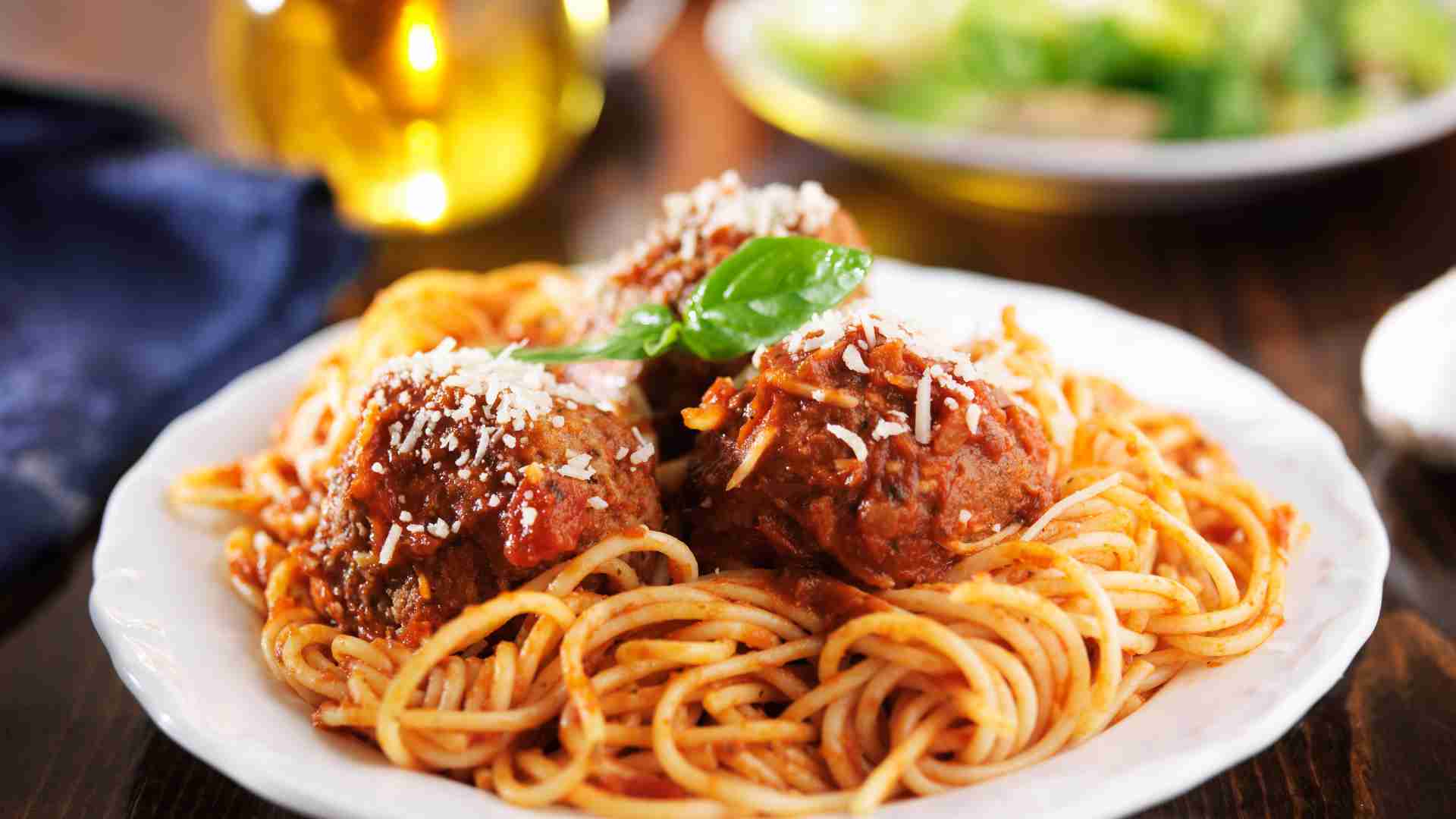 Food CartLa Jolla,, CAPickup
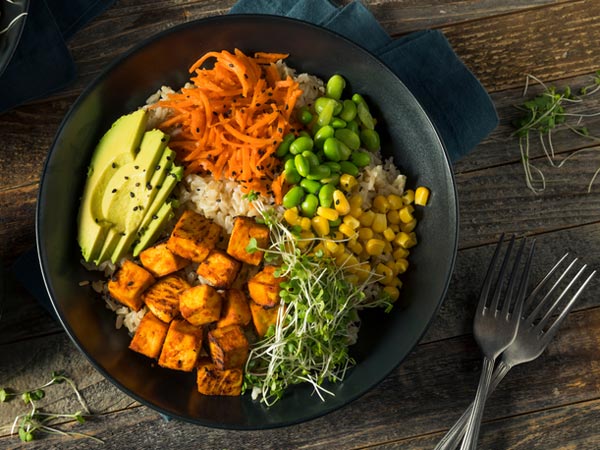 Food Cartsan diego, CAPickupFood CartSAINT JOHNS, CaliforniaPickup
 Home Chef
Fake Restaurant
San Diego, CA Retail VendorAPPLE VALLEY, CAPickup • Delivery • Shipping
 Artisan FoodSan Diego, CAPickup • Delivery • Shipping
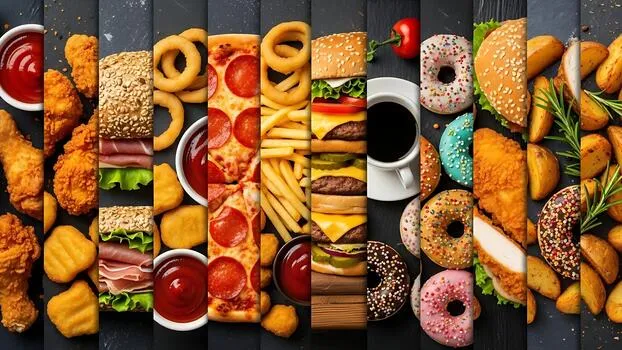 Artisan Food
Welcome to Nadeem Pizza & Foods — your destination for authentic Italian flavors, delicious pizzas…
San Diego, CAPickup • Delivery • Shipping Home ChefSan Diego, CAPickup • Dine-in • Delivery
 Certified ProducerSan Diego, CAPickup
Bring your menu and required permit. Hungry Hop gives you a storefront and seller tools to start taking pickup orders.
Add your business information and start setting up your store.
Add your valid food seller permit and required business information.
Add items, photos, pricing, pickup availability, and fulfillment details.
Connect payments, finish setup, and make your storefront ready for customers.
Explore helpful guidance for permits, food safety, and payment setup.
Explore Seller Resources →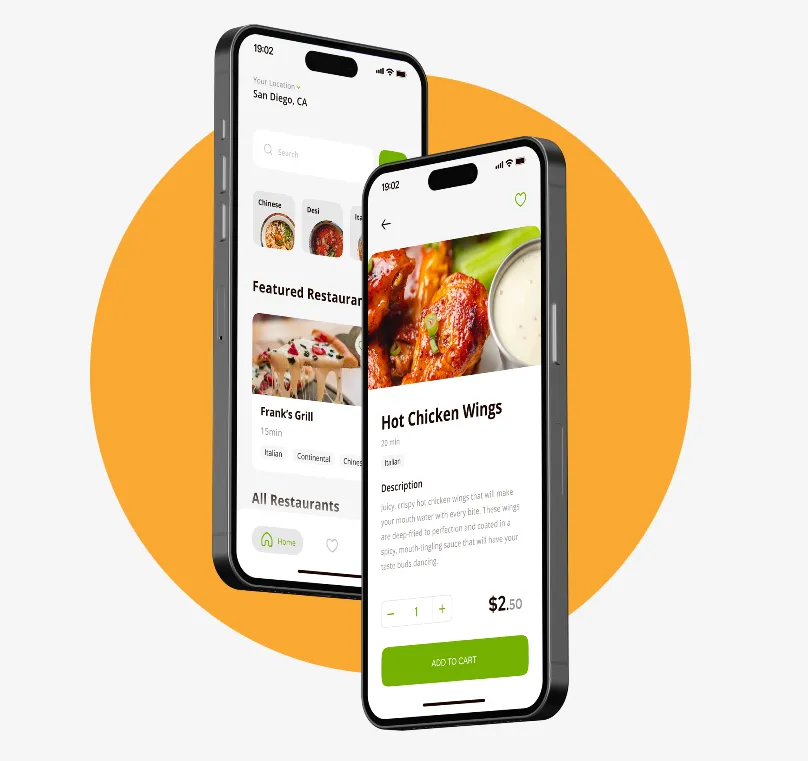
Download now to enjoy seamless access to all our services anytime, anywhere.


The practical details food-truck operators usually need before adding Hungry Hop to their selling channels.
Yes. Hungry Hop lists food trucks as one of the seller types supported on the marketplace, subject to applicable permits and local food-safety requirements.
Yes. Sellers can control availability and customize fulfillment times in the seller administration panel.
Customers can select an available fulfillment time, browse your menu, add items to cart, and complete checkout online.
Yes. Your Hungry Hop storefront can be shared alongside the social and location updates you already use to tell customers where your truck will be.
Yes. Sellers set their own prices and can create discounts or promotions in the seller administration panel.
There is no listing fee. Marketplace commission is tiered from 4% to 12% based on rolling annual gross revenue, and a 3.5% payment-processing charge applies. Tips go directly to sellers without deductions.
Give them one link to see what’s available, choose a pickup time, and place an order.